


On the Shoulders of Giants—How to Recreate a Website
by Cedar Studios • 10/5/2023
Web Design
Everyone with a new business wants to reinvent the wheel. Often, they burn through cash—and more importantly, time—testing strategies that don’t work. You need to know how to recreate a website design.
Copying what works for others is a tried-and-true method. Your local business is not on the national stage, so find a similar company in a different city or state and note what they do well. Build a swipe file.
This applies not only to design, but to writing, ads, etc.
Although Cedar Studios designs are all custom (for copyright reasons), we regularly recreate great websites as an exercise to inspire our designs.
Finding Good Designs
There are many good website designs on Dribbble, ThemeForest (Wordpress styles), and Figma’s Community.
However, these designs are often geared towards tech businesses like SaaS startups. If you run a local service business, those designs may look out of place and turn your customers away. Instead, try to find a great looking website from a similar business in a different city.
Here, we will reference a Cedar Rapids website that we designed, because we have no shame.
How To Recreate A Website—Gathering Styles
Once you find a website you want to recreate, we’ll need to make a list of the fonts, colors, and images they used.
If you are using Chrome, open up Chrome DevTools by clicking Cmd (Ctrl) + Alt + J. This will allow you to select individual elements on the website.
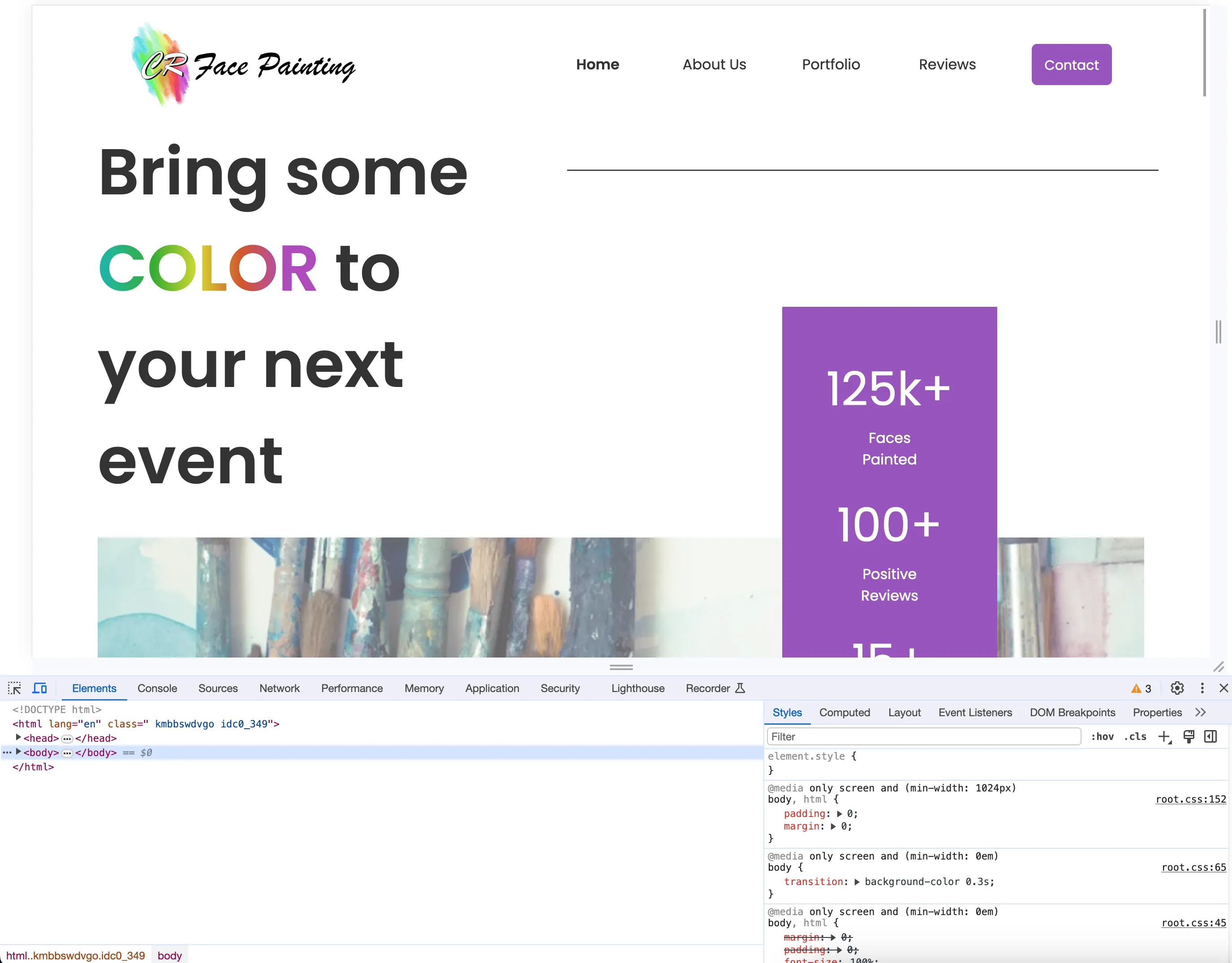
Chrome DevTools display
Fonts
First, select the element picker in the top-left corner of Chrome DevTools.
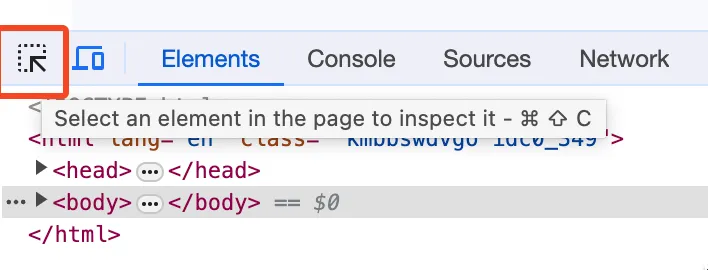
Hover over some text to see which font was used on the site. In this case, it is Poppins.

Arial and sans-serif are listed as backup fonts in case your browser can't read Poppins.
TIP
Website often have a different font for headers and body text. Make sure to inspect both.
Colors
You will notice that there is a particular shade of purple that is used throughout the website as an accent color.

This is typically referred to as a website’s primary color.
Use the element inspector again to hover over an element with this purple color and look for the hex code.
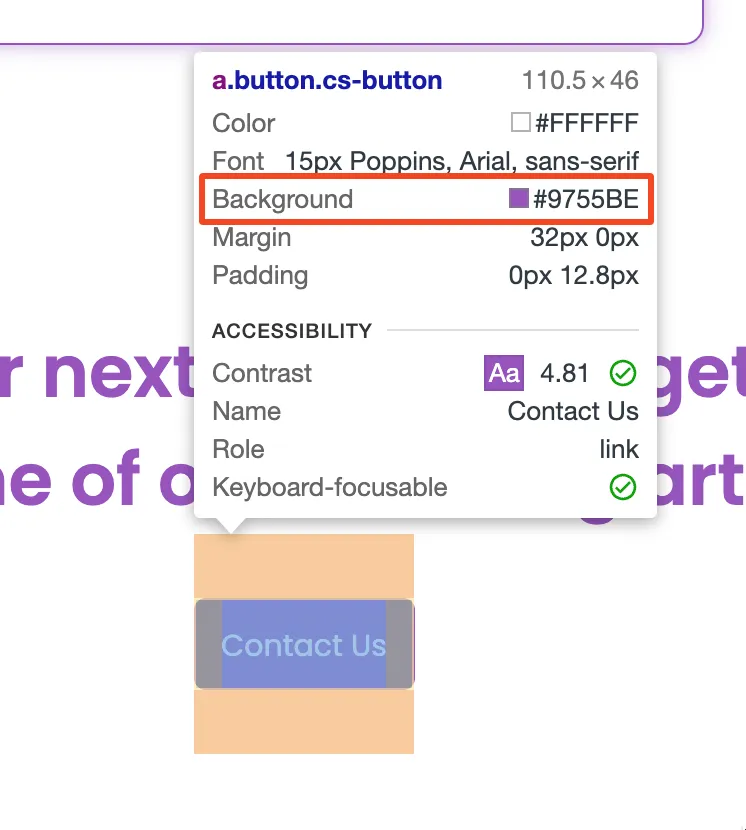
Copy this six-digit code for your reference, and any other color from the website you want to recreate.
Assets
Finally, save any images, logos, or other web graphics that you want to recreate.
These are usually protected under copyright, so don’t put them straight into your own website. Hand them off to your web designer and they can find similar images.
Putting It All Together
Now that you have the styles and assets saved, it’s time to build the design.
This is the hardest step, which is why we offer web design services in the first place.
At Cedar Studios, we use Figma to create and recreate website designs. Here’s a screenshot from our latest redesign of the Cedar Studios website.

As you can see, the interface has a lot going on. If you are pressed for time and want to work with a designer, you can always send them the styles and assets you saved in the previous step and they will take it from there.
Conclusion
Think hard before you reinvent the wheel. Recreating a website design is a perfectly acceptable strategy. Find a winning website and use it as a stepping stone to reach your customers faster.
